Archiving and Restoring Files in ShareBrowser
Once an EVO has been configured for archiving with SNS Trio, S3, or an SMB destination, it can be easily used with ShareBrowser.
Archiving
Once Archive and Restore is enabled in EVO and archive and restore groups have been designated,
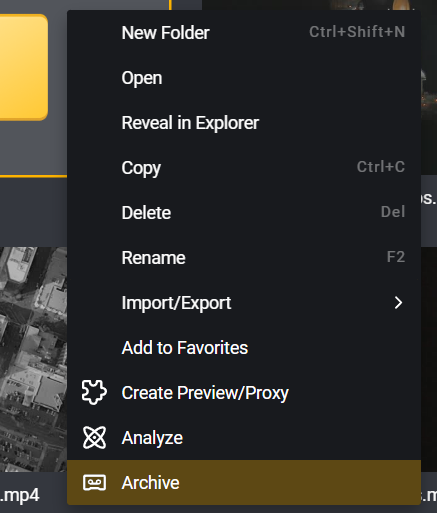
any user that’s part of the assigned archive group should have a new option in the right-click context menu for Archive.
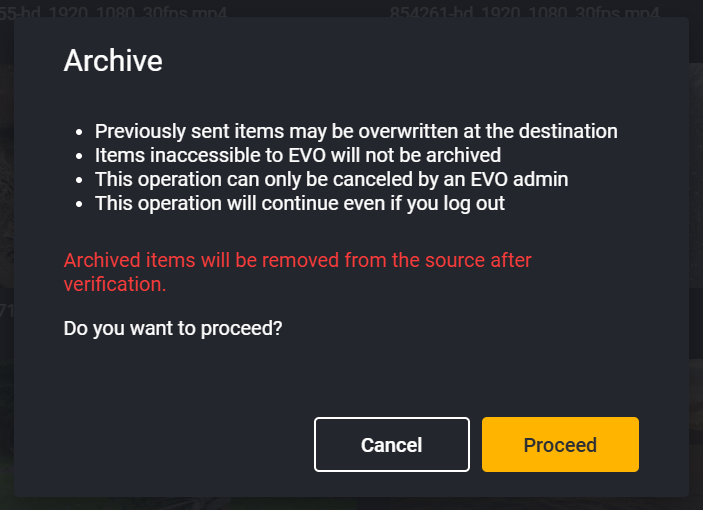
A user will see the following message. A section is added in red if the file will be deleted after the archive.
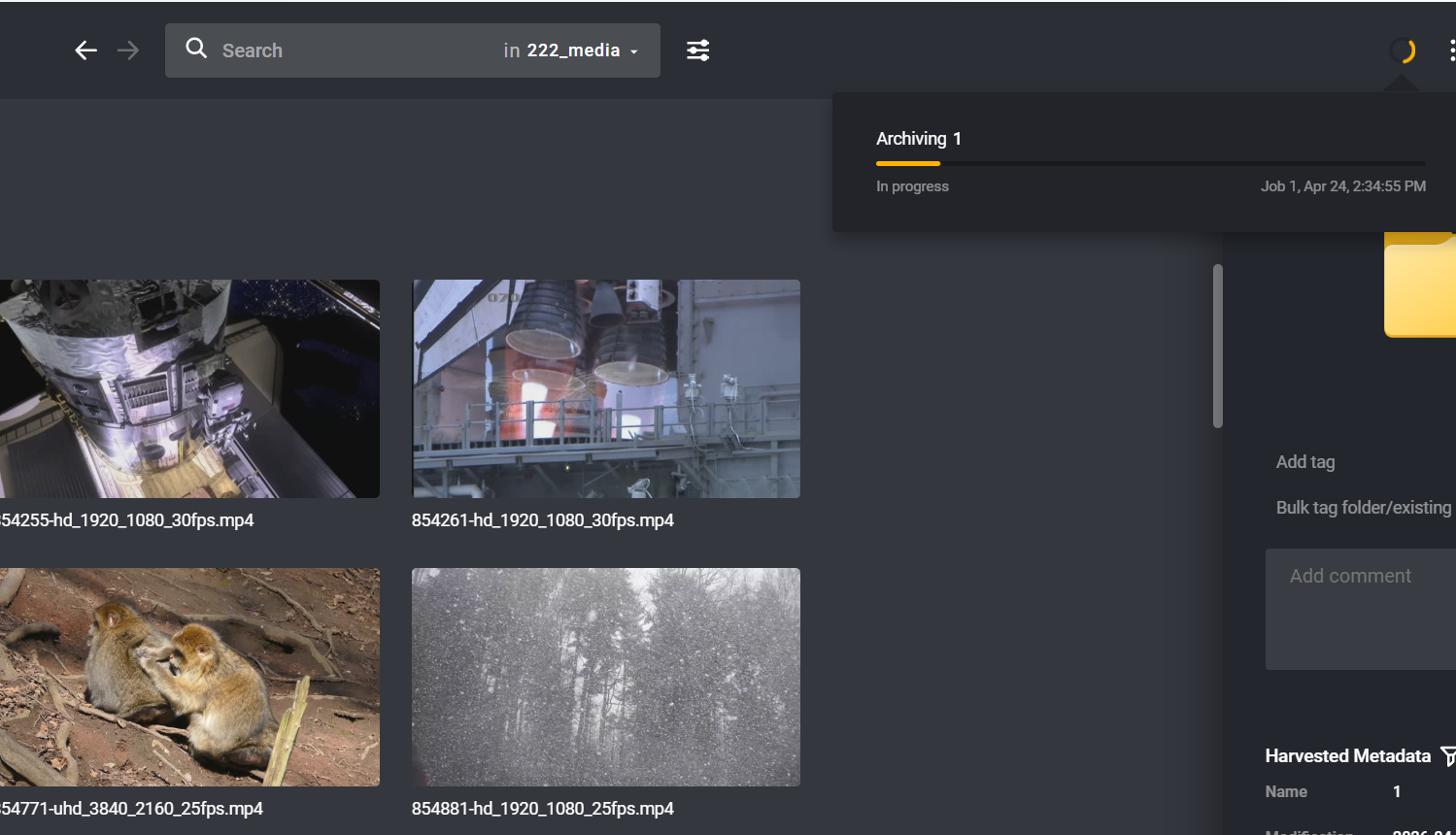
When a file is sent to archive, progress will be available in ShareBrowser and the job will be available to follow or cancel in the EVO UI under Slingshot -> Archive/Restore.
Once an archive is complete, a ShareBrowser refresh may be needed to reflect a file’s current status.
After archiving, files will have a tape icon over the thumbnail.

Any folders that still exist will have an icon noting they’re partially archived.

Once the folders are removed, they will appear fully archived.

Note: A folder cannot be created in the same location with the same name as an archived folder. If this is attempted by a user, they’ll see the following message:
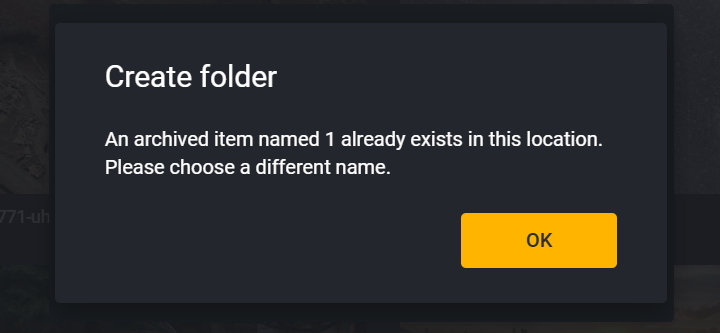
After archiving, a file will contain read-only Slingshot archive metadata that cannot be changed from ShareBrowser unless overwritten by a subsequent archive.
Note: Versioning is NOT supported. If a file is sent to an archive more than once, this metadata will be over-written and only the last version of the file will be restored.
Restoring
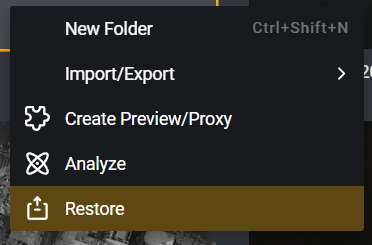
To restore a file, a member of the chosen restore group has the ability to right-click and restore a file or folder that has been archived.
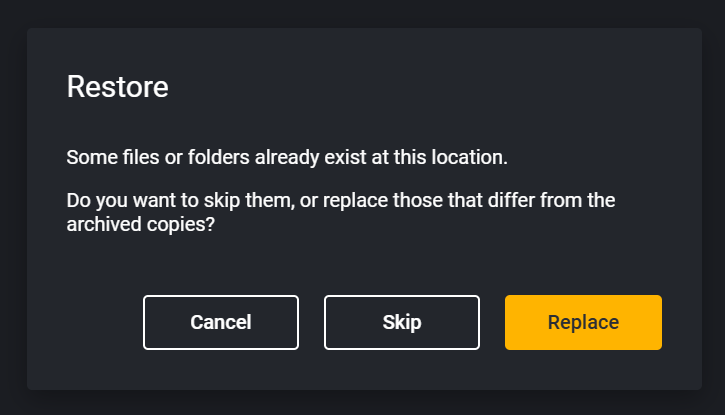
If the files that are restoring have not been deleted, the user will see the following message.
Deleting
When deleting files that have been archived, a user will see the following notice.
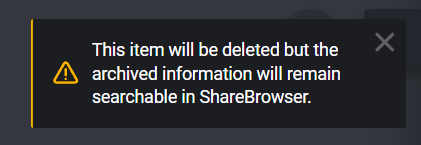
Note: After a file is removed, all users will see the archived files for which they have permission to the parent folders.
Hiding archived files
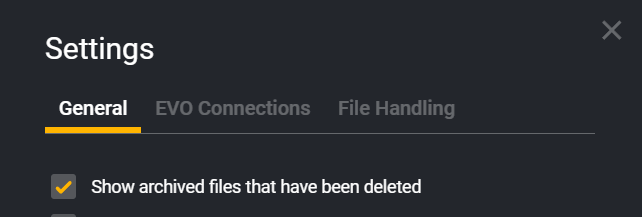
In ShareBrowser Settings -> General, there is an option to show archived files that have been deleted. To hide files that have been archived, uncheck this box.